The IUPAT Okta portal will be retired on July 1, 2026
All IUPAT applications have been migrated to Duo and you can access the new portal at https://sso.iupat.org
You may have a variety of Apps that you added to Okta over the years. The new portal does not support saving websites and it is not possible to migrate them into Duo.
Following are steps you can take to view the websites you have saved to avoid disruption.
IMPORTANT: Do NOT copy and paste usernames and passwords into a document or spreadsheet of any kind.
Go to https://iupat.okta.com and log in using your email address and password.
Review the tiles and identify the ones that you need to preserve.
Click on a tile.
Make a note of the wesbite URL, username, and password - writing them down on paper is preferred if you do not have a password manager.
IDEA: If a website you use can support MFA (multi-factor authentication), you should enable it as soon as possible. MFA provides additional protection for your account should your email address and password part of a breach.
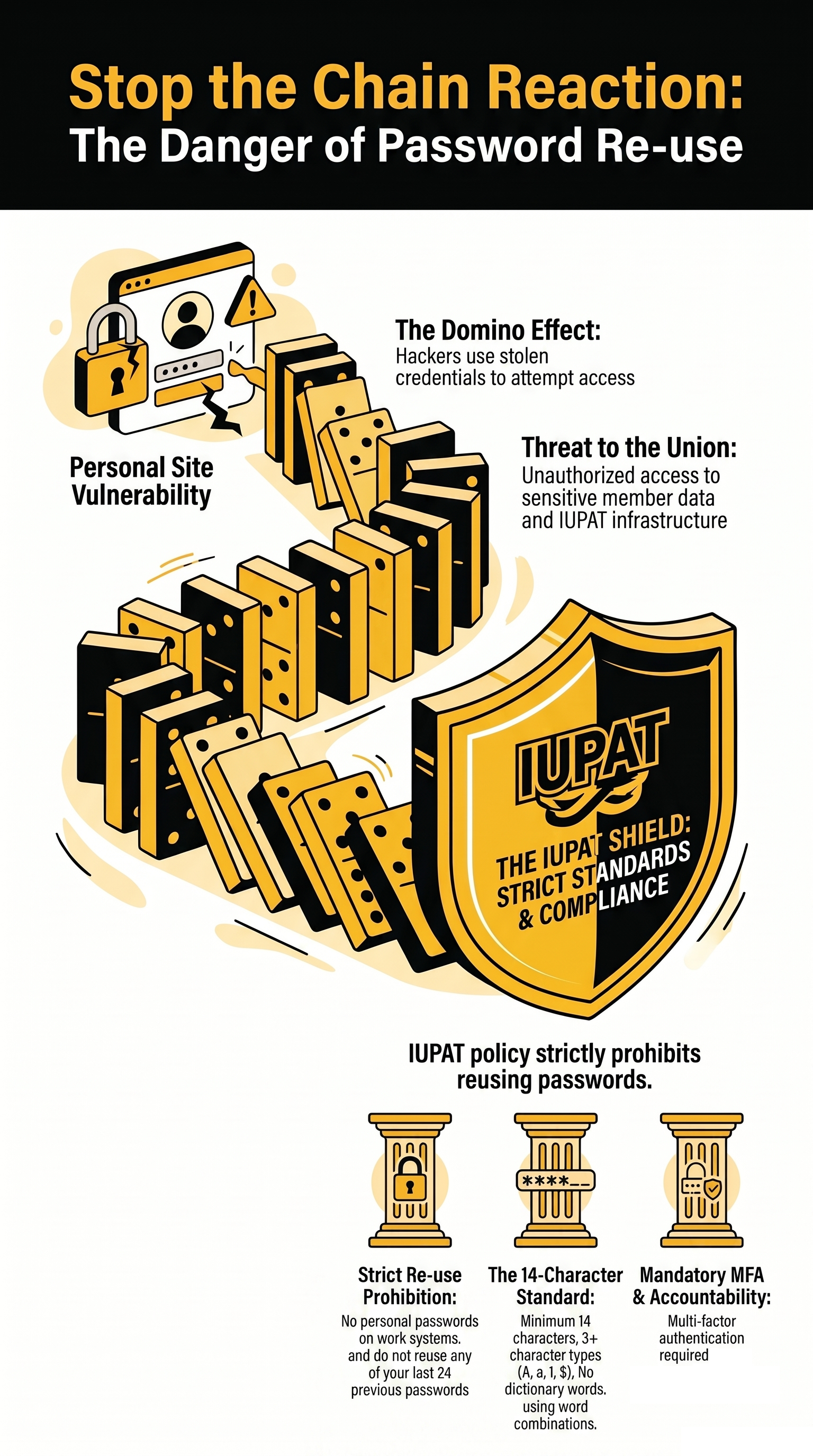
IMPORTANT: Password re-use is prohibited. Each site should have its own unique password.
Was this article helpful?
That’s Great!
Thank you for your feedback
Sorry! We couldn't be helpful
Thank you for your feedback
Feedback sent
We appreciate your effort and will try to fix the article